Pull every image out of a Doc or Slides deck. Rename in bulk, convert to WebP or AVIF, keep the alt text.
By Noman Ahmed · Updated November 6, 2026 · 4 min read
Google Docs can download a Markdown file, but it embeds every picture as a long base64 text string instead of saving separate image files.
Pluckr exports a clean content.md file alongside an images folder in one ZIP archive. You can rename files and convert images to WebP in the same step for a one-time $12.
Google Docs exports a Markdown file under File > Download > Markdown (.md), and this export works well for text-only documents. When a Doc contains pictures, Google Docs converts each picture into a base64 string inside the file. Base64 strings make the file huge and hard to edit in code editors, static site generators or Obsidian.
You can build a clean Markdown folder for free by combining two built-in Google Docs downloads: the Markdown file for the text and the zipped web page for the images. You then delete the base64 data and point each image link to a file. Matching generic names like image1.png to each paragraph is slow.
To convert the PNG files to WebP with this method, you need a separate tool.
Pluckr exports a Google Doc as one ZIP file that holds content.md and an images folder. Every image tag in content.md points to the matching file in the images folder, and Pluckr keeps the alt text of each image. You can also rename the files and convert them to WebP in the same step.
{doc}-{n}.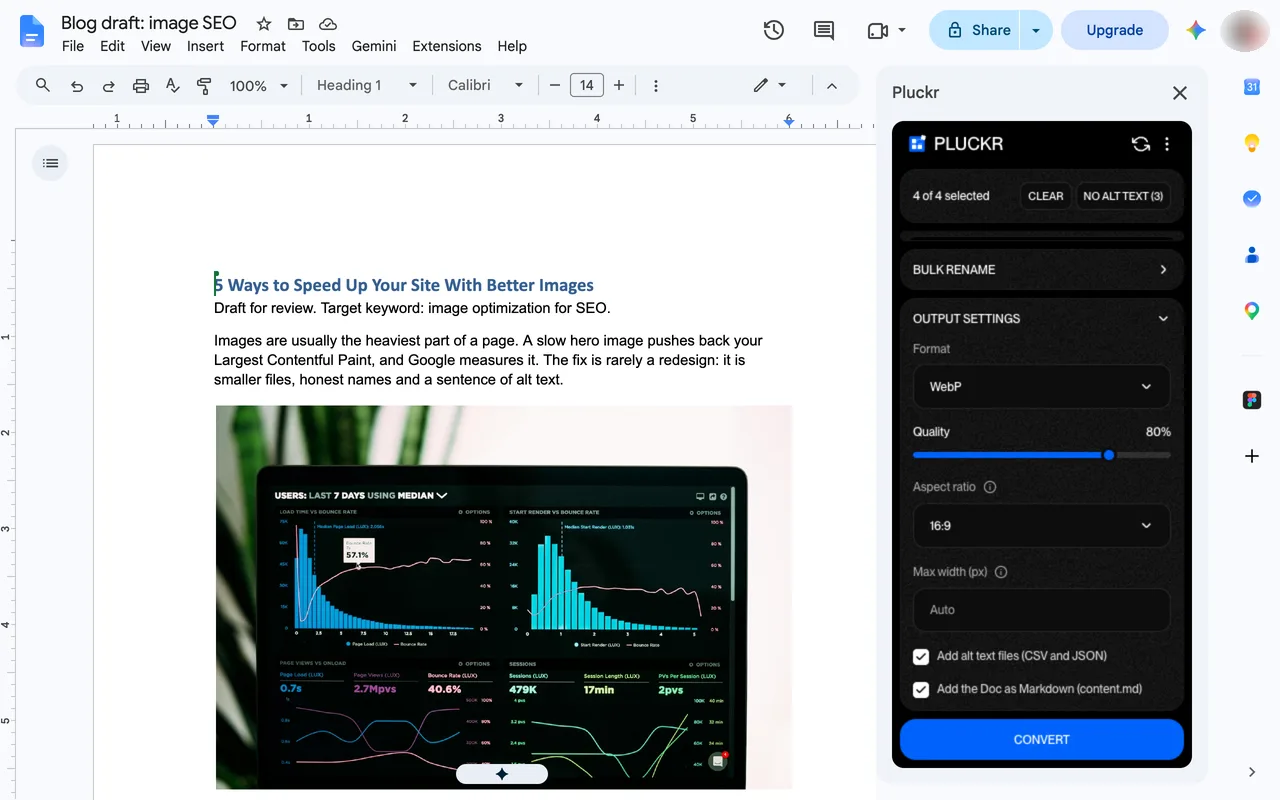
# 5 Ways to Speed Up Your Site With Better Images
Images are usually the heaviest part of a page. A slow hero image pushes back your Largest Contentful Paint.
To include structured metadata, tick Add alt text files (CSV and JSON).
Three methods export a Google Doc to Markdown. The built-in .md download is free but embeds images as base64. The manual method is free and gives separate images after hand edits. Pluckr costs $12 once and gives clean relative links, bulk renaming and WebP or AVIF conversion with no hand edits.
| Feature | Built-in .md download | Manual .md + HTML ZIP | Pluckr |
|---|---|---|---|
| Separate images folder | No | Yes | Yes |
| Clean relative image links | No | Manual edit | Yes |
| Bulk rename image files | No | No | Yes |
| Convert images to WebP or AVIF | No | No | Yes |
| Keep image alt text in Markdown | Yes | Manual edit | Yes |
| Cost | Free | Free | One-time $12 |
Google Docs encodes images as base64 data URIs inside the .md file instead of exporting image files. Pluckr exports a separate images folder and writes clean relative paths in content.md.
Yes. Pluckr reads the alt text on each inline image in your Google Doc and places it inside the  tag in content.md.
Yes. When you select WebP or AVIF in Output settings, Pluckr converts every image and updates the file extensions inside content.md to match.
No. Pluckr only reads your document to build the ZIP archive. Your Google Doc stays untouched.
Google Docs does not export WebP images. Learn how to convert document images to WebP or AVIF without external upload tools.
November 6, 2026 · 4 min read
Google Docs has no button to save all images. Learn four ways to download every image from a Google Doc, and what each method costs you.
November 6, 2026 · 5 min read
Pull every image out of a Doc or Slides deck. Rename in bulk, convert to WebP or AVIF, keep the alt text.
